Aldine / Zotero with LaTeX
Using Zotero with LaTeX: three ways to keep references in sync
LaTeX reads references from a .bib file; Zotero keeps them in a library. The work is keeping the two in step. There are three common ways: Overleaf's Zotero integration, automatic export with Better BibTeX, and an editor that syncs with Zotero directly, such as Aldine.
Written by the Aldine project, so read it with that in mind. Statements about other products are taken from the linked pages of that product's own documentation. Checked on 12 October 2026.
1. Overleaf's Zotero integration
Overleaf documents two Zotero methods. Its documentation says: "Overleaf's Zotero integration is a premium feature." Premium features are available to owners of individual subscriptions, members of group subscriptions and participants in Overleaf Commons. (Overleaf docs: Zotero, as of October 2026) The details, from the same page:
- Zotero Sync keeps your account-level Overleaf Library up to date with the Zotero collections you choose: "Sync is scoped to exactly the collections you select". It is one-way, from Zotero into the Library, and it updates automatically, "on its own sync schedule or when triggered from the Library."
- The Zotero-linked
.bibfile imports a whole library or group library into a project: "you cannot select a specific folder within a library." The file is read-only in the project, and changes in Zotero reach it when you select Refresh.
This is the least effort if you already write on Overleaf with a paid plan or through your institution.
2. The free route: Better BibTeX auto-export
Better BibTeX is a Zotero plugin that can keep an exported .bib file up to date. Export a library, a group or a single collection and check "Keep updated": after that, "any changes to the collection or library will trigger an automatic re-export to update the file." (Better BibTeX docs: automatic export, as of October 2026)
The exported file then has to reach your LaTeX project:
- Local writing. Export straight into the project folder and build with your local tools.
- Through git. Better BibTeX can push for you. Run
git config zotero.betterbibtex.push truein a clone, point the auto-export at that directory, and "at each update, BBT will now also push your library to the git service." Its documentation notes that this needs some technical expertise to set up, and that other files you have staged are committed along with the library. - Into a browser editor. Any editor that can pull from a git repository, or that lets you upload the file, can take it from there.
What it does well: it is free, it works per collection, and the export runs on your own machine. What to plan for: Better BibTeX is a plugin that runs inside the Zotero desktop app, and its automatic exports run "on change" or when "Zotero goes idle" (Better BibTeX docs, as of October 2026), so Zotero has to be open for an export to happen. Each co-author who adds references needs the same setup or has to send entries to the person who has it.
3. Zotero sync in Aldine
Aldine is an open-source, self-hosted collaborative LaTeX editor with Zotero built in. There is no premium tier involved.
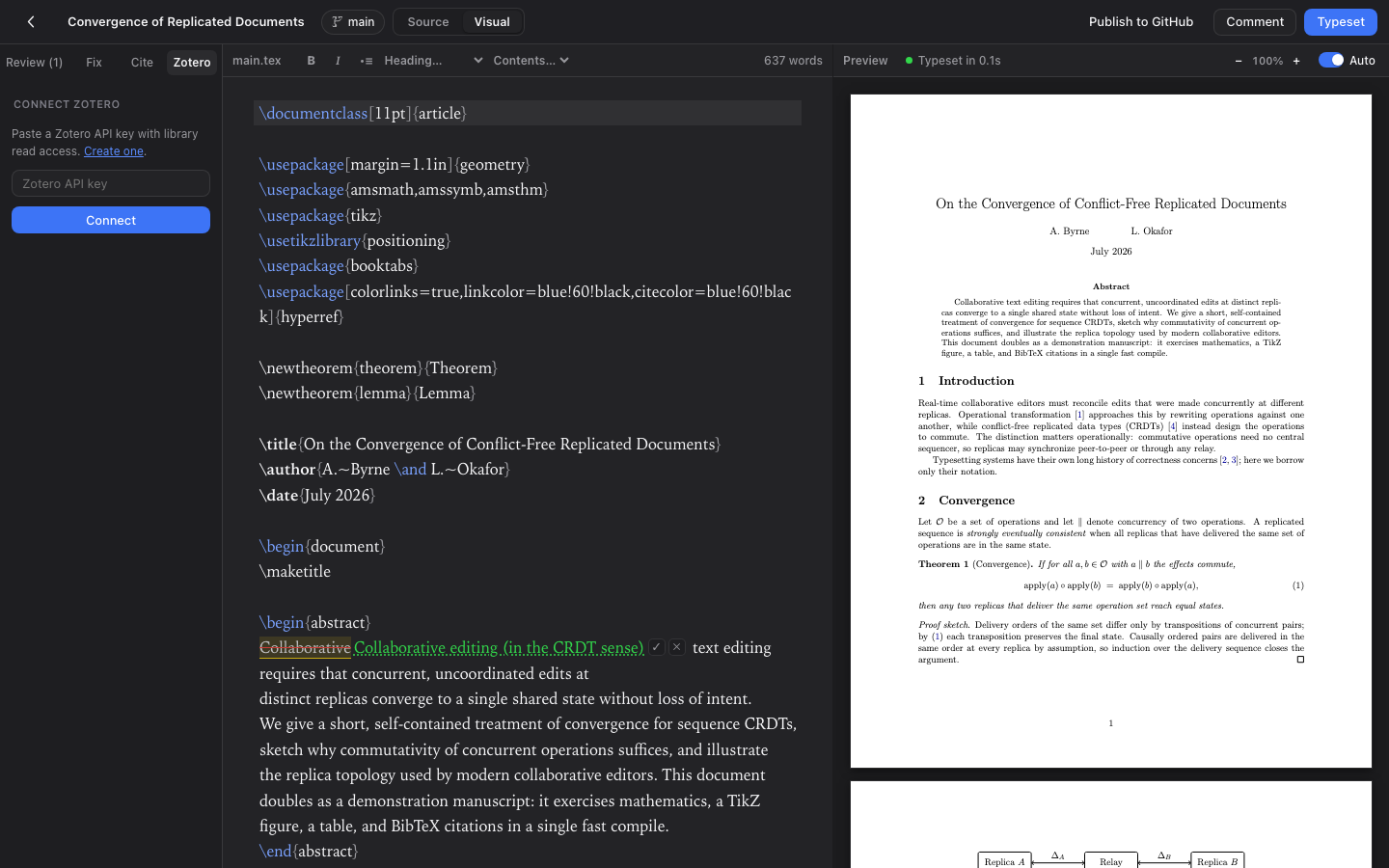
The Zotero panel in Aldine: search your library and insert citations.
- Whole library or one collection. Link My Library or one of your group libraries to a project, either whole or as a single collection.
- Version-aware refresh. Aldine keeps a
.bibfile in the project in sync and uses Zotero's version numbers to make a refresh cheap. - Cite from a search panel. Search the linked library in the sidebar and insert the citation at the cursor.
\cite{autocomplete. Typing\cite{offers the keys.- Without Zotero. Search the literature by title or author through OpenAlex, or paste a DOI or arXiv id: one click appends the BibTeX and inserts the
\cite.
What to plan for: you have to run Aldine yourself (two containers with Docker Compose); there is no hosted service today. Aldine is young (v0.x).
No account, no install. The demo is a shared sandbox and resets every night.
Side by side
| Overleaf integration | Better BibTeX auto-export | Aldine | |
|---|---|---|---|
| Cost | Premium feature (source) | Free, MIT-licensed plugin (source) | Free, self-hosted |
| Scope | Zotero Sync: selected collections into your Overleaf Library; linked .bib: whole library or group library (source) | Library, group or collection (source) | My Library or a group library, whole or one collection |
| Update | Zotero Sync: automatic, one-way; linked .bib: manual Refresh (source) | Automatic on change or on idle, while Zotero runs (source) | Version-aware refresh of the project's .bib |
| Where it runs | overleaf.com | Your machine | Your server |
External sources as of October 2026.
Common problems
Citation keys change after a refresh
Overleaf's documentation warns: "Updates to the Zotero platform sometimes cause citation keys to change." (Overleaf docs: Zotero, as of October 2026) When that happens, compile once and fix the undefined citations the log reports. Whatever route you use, changing an entry's author or year can change a key that is generated from them, so agree with co-authors on who edits entries.
The library is large
A whole library in one .bib is slow to export and hard to scan. Better BibTeX's documentation advises exporting "only targeted selections" for performance. (Better BibTeX docs, as of October 2026) A per-paper collection in Zotero keeps the file small, and Better BibTeX and Aldine can both work from a single collection. On Overleaf, Zotero Sync is scoped to the collections you select, while the linked .bib file imports a whole library. (Overleaf docs: Zotero, as of October 2026)
Group libraries
Overleaf's linked .bib file imports individual group libraries, and Better BibTeX exports them. (Overleaf docs: Zotero, as of October 2026) (Better BibTeX docs, as of October 2026) In Aldine, the library picker lists My Library and each of your Zotero groups.
The import asks for permission again
If Overleaf reports a permission error, its documentation says to select "Re-link your account". (Overleaf docs: Zotero, as of October 2026)